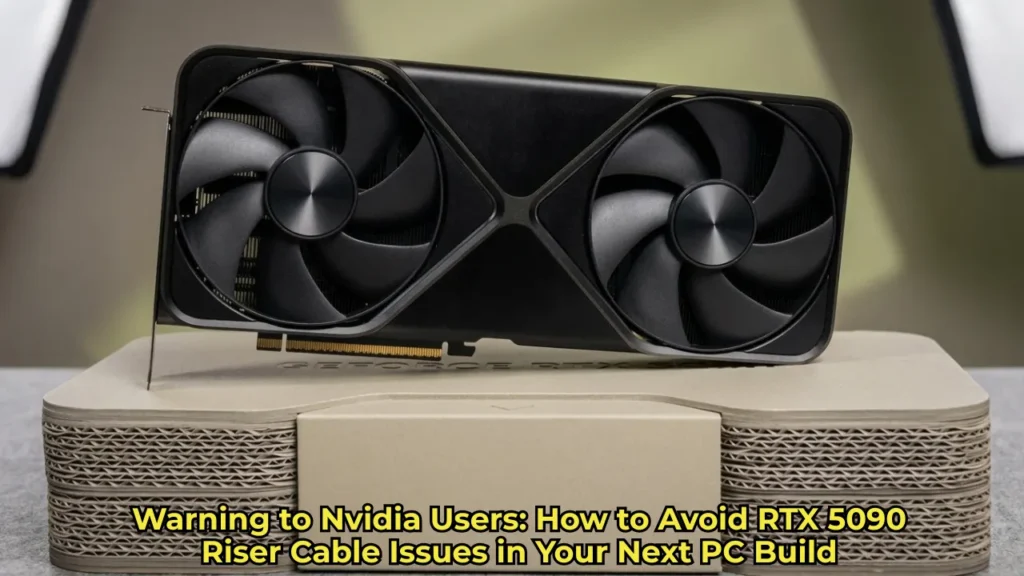
If you are planning a massive rig upgrade this year, it is worth knowing about RTX 5090 riser cable issues before you build. Building a new gaming PC in 2026 is already challenging enough, thanks to ongoing hardware shortages and the dreaded RAM crisis. But once you finally get your hands on Nvidia’s powerhouse, the RTX 5090, the last thing you want is for a cheap piece of plastic to ruin your multi-thousand-dollar investment. Recently, a Reddit user reported damage to a riser cable used with a vertical GPU mount, prompting discussion in the PC building community.
Understanding the Recent RTX 5090 Riser Cable Issues
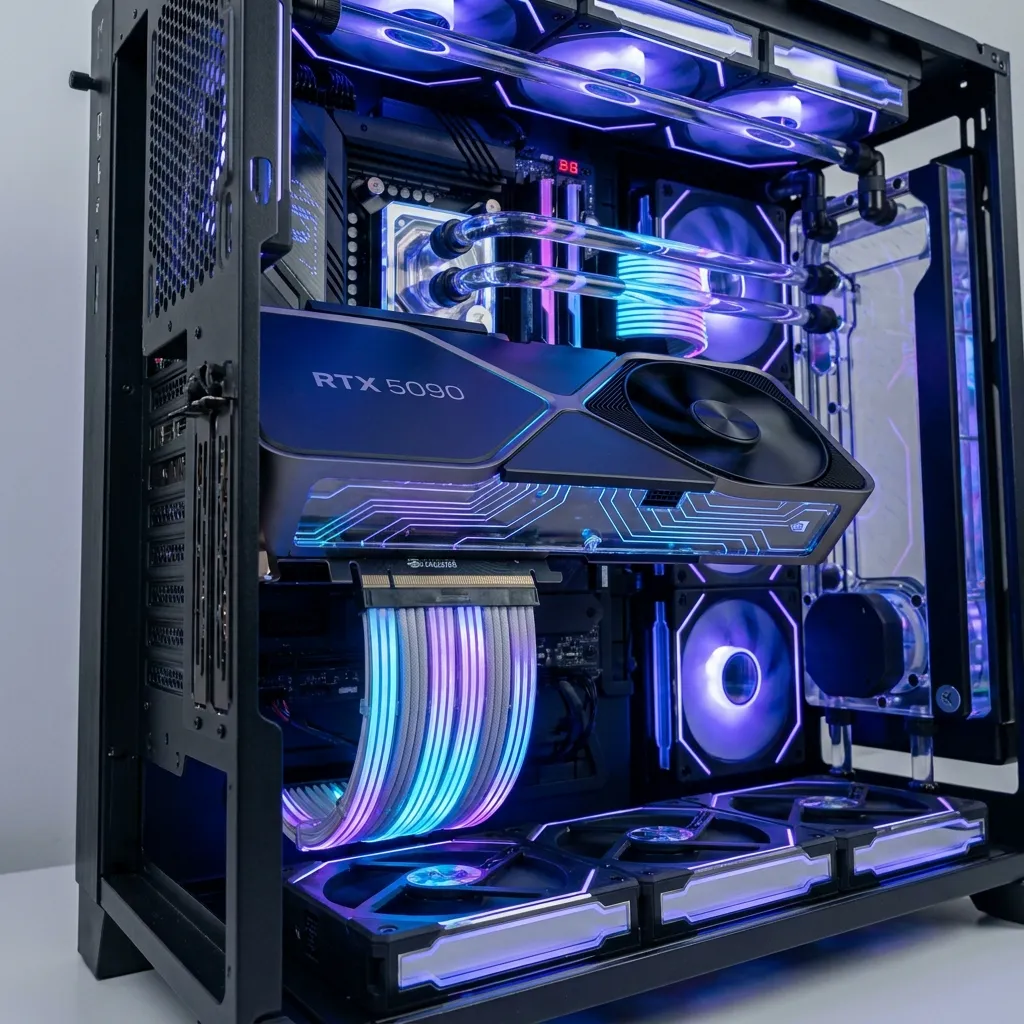
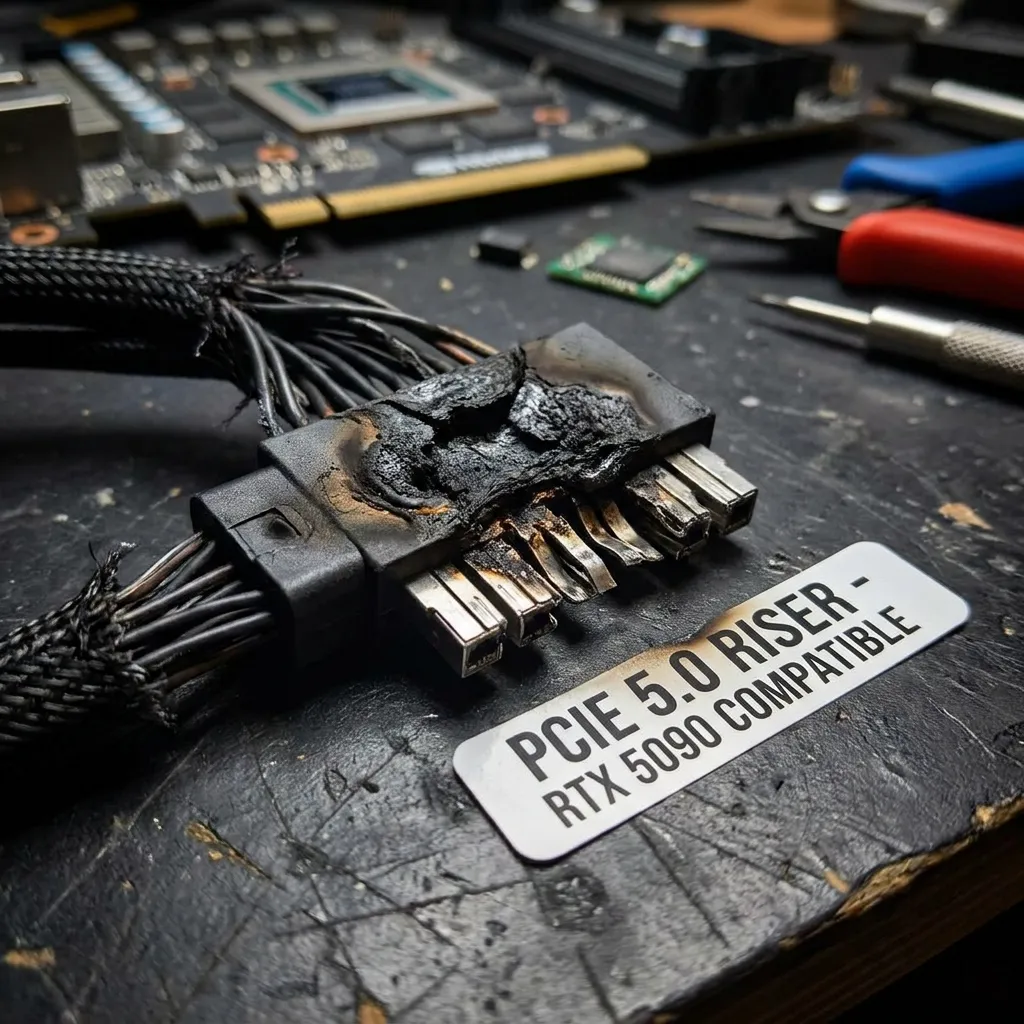
According to TechRadar (7 July 2026), a Reddit user reported that a Lian Li PCIe riser cable was partly melted by contact with the backplate of an Asus TUF GeForce RTX 5090. Some Redditors argued the cable was chipped rather than melted, the damage was minor, and Nvidia had not responded at the time.
Read More: Logitech Mobi Fold Travel Mouse Review: The Ultimate Pocket Gadget
While we are accustomed to hearing about power connector melting woes with high-end Nvidia cards, this scenario highlights a different physical risk. The report describes damage to the cable where it touched the backplate. The exact cause has not been confirmed, and this was a single Reddit report as of July 7, 2026.
Why RTX 5090 Riser Cable Issues Are Tied to Massive Power Draw
To understand why RTX 5090 riser cable issues may come up, we have to look at the card’s power draw. Nvidia’s flagship GPU pulls 575 watts under heavy gaming workloads. All that energy translates into thermal output.
A rubberized or plastic-coated PCIe extension cable resting directly against a hot metal backplate may be damaged by the heat, which is why TechRadar advises leaving clearance so the riser does not touch the GPU.
Actionable Steps to Prevent RTX 5090 Riser Cable Issues
Fortunately, you can reduce the risk of RTX 5090 riser cable issues with a few precautions. Vertical GPU mounts are popular, especially for small form factor (SFF) cases where traditional horizontal mounting is simply impossible. If you are going this route, rethink your cable management strategy.
Read More: Google Cloud Phishing Scam: How Hackers Use Fake NYT Pages
Essential Spacing and Hardware Tips
Here is what you can do to protect your hardware:
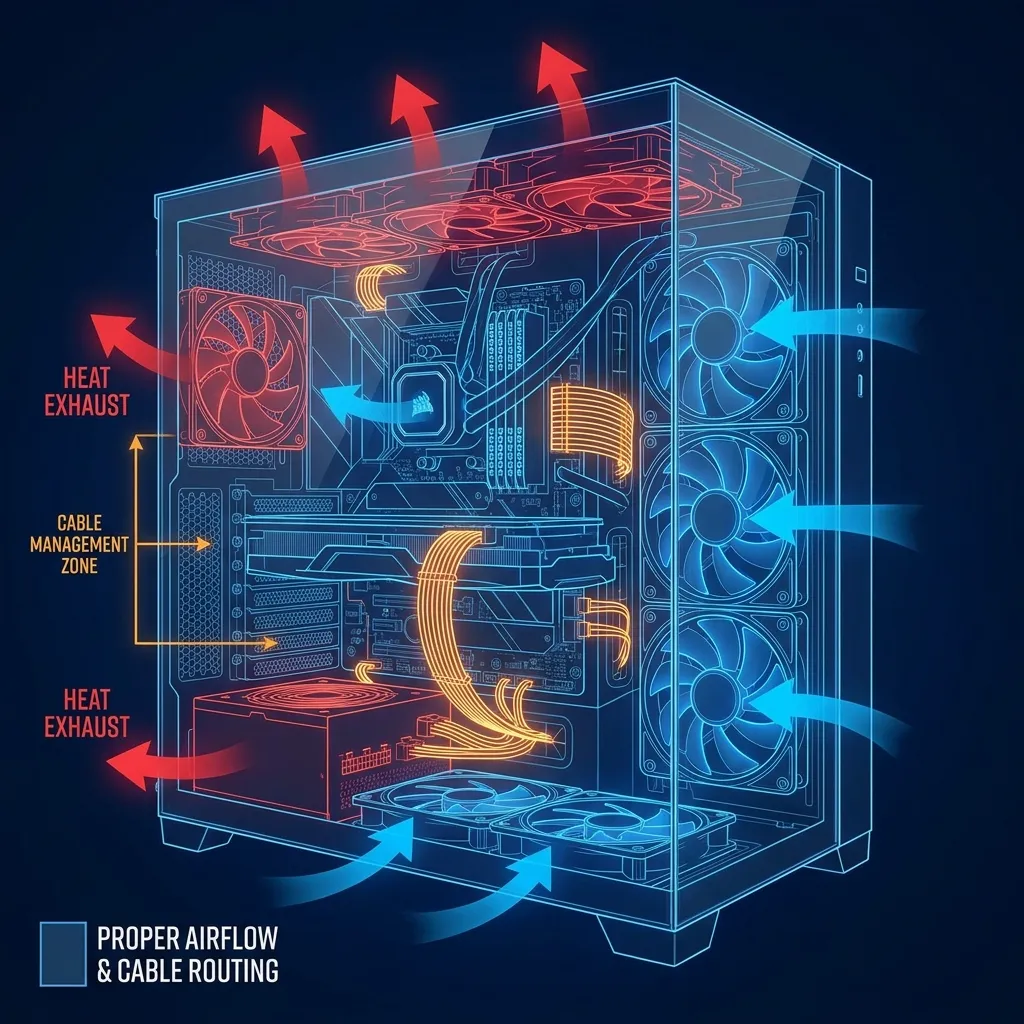
Leave Clearance: Do not let your PCIe cable physically touch the backplate of your GPU. Leave space so the riser does not touch the card.
Choose a Quality Cable: As general advice (not from the TechRadar report), do not pair a flagship graphics card with a cheap, generic riser cable. Choose a cable from a reputable brand.
Route Cables Away from Exhaust Zones: As general advice, keep your riser out of the path of the GPU’s exhaust airflow.
Are Other GPUs at Risk?
The TechRadar report concerned an RTX 5090, and it does not show a wider problem with other cards. As a general precaution with any high-power GPU, double-check your clearances before you screw in the final glass panel, and keep airflow in mind. Check for later reports, as other outlets such as Igor’s Lab and TweakTown also covered the story.
Find more stories like this in our Technology section.