

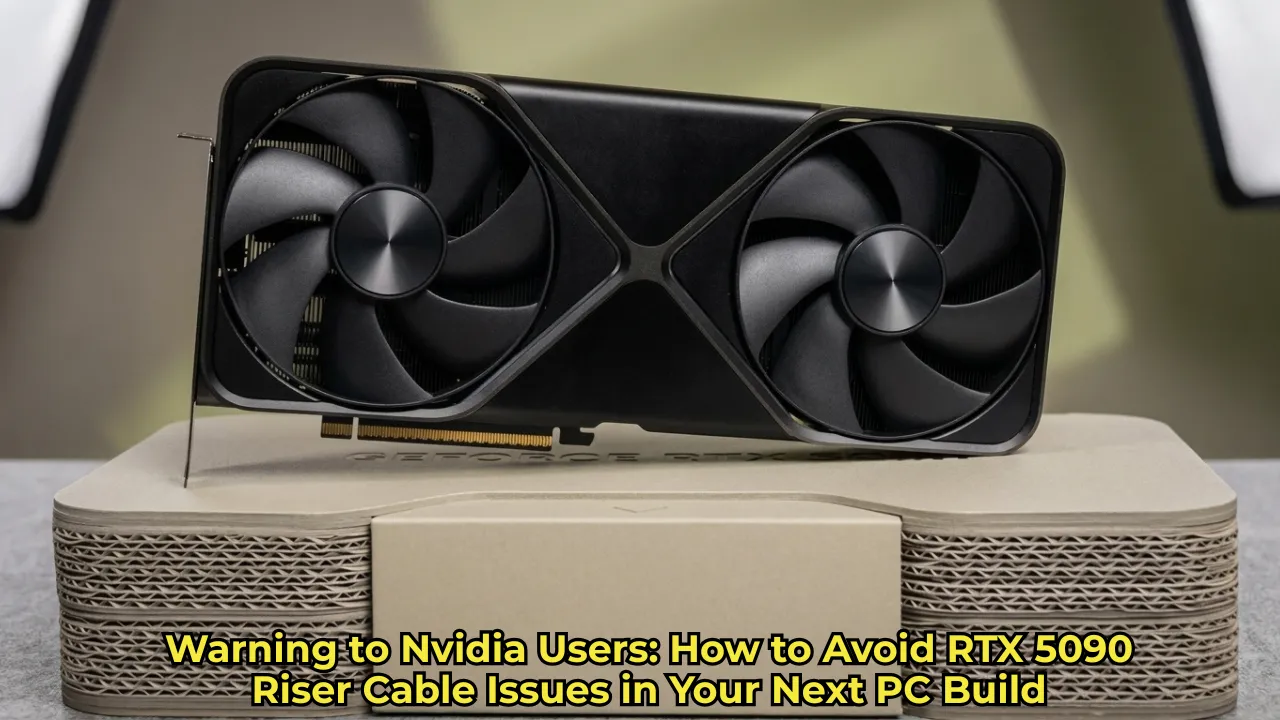
If you are planning a massive rig upgrade this year, navigating potential RTX 5090 riser cable issues should be at the absolute top of your priority list. Building a new gaming PC in 2026 is already challenging enough, thanks to ongoing hardware shortages and the dreaded RAM crisis. But once you finally get your hands on Nvidia’s absolute powerhouse—the monstrous RTX 5090—the last thing you want is for a cheap piece of plastic to ruin your multi-thousand-dollar investment. Recently, builders have started noticing alarming heat damage when using vertical GPU mounts, sparking serious concerns across the PC building community.
Understanding the Recent RTX 5090 Riser Cable Issues
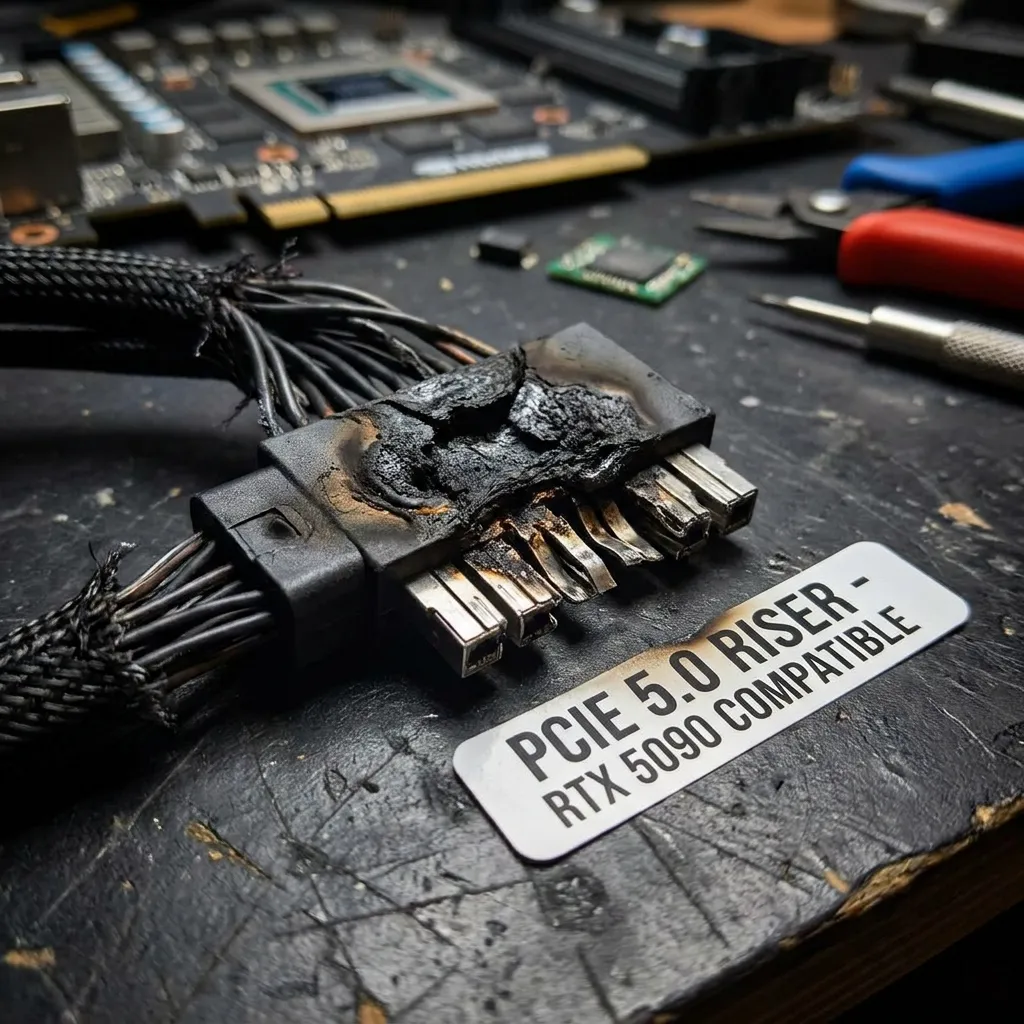
The hardware world recently received a major wake-up call via a prominent Reddit user who shared a terrifying experience: a partially melted Lian Li PCIe riser cable. The culprit? Direct, physical contact with the blazing-hot backplate of an Asus TUF GeForce RTX 5090.
Read More: Logitech Mobi Fold Travel Mouse Review: The Ultimate Pocket Gadget
While we are accustomed to hearing about power connector melting woes with high-end Nvidia cards, this specific scenario highlights a completely different physical risk. When performing a routine PC cleanup, the user discovered that the riser cable’s insulation had become completely stuck to the backplate. The immense heat generated by the GPU had quite literally fused the cable material onto the graphics card, chipping away the protective coating.
Why RTX 5090 Riser Cable Issues Are Tied to Massive Power Draw
To fully grasp why these RTX 5090 riser cable issues are popping up, we have to look at the card’s astronomical power draw. Nvidia’s flagship GPU pulls a staggering 575 watts under heavy gaming workloads. All that energy translates into intense thermal output.
While the massive cooler on the RTX 5090 does an incredible job of moving heat away from the core, the metal backplate itself can become dangerously hot to the touch. When a rubberized or plastic-coated PCIe extension cable rests directly against that scorching metal, the insulation degrades, chips away, or straight-up melts over time.
Actionable Steps to Prevent RTX 5090 Riser Cable Issues
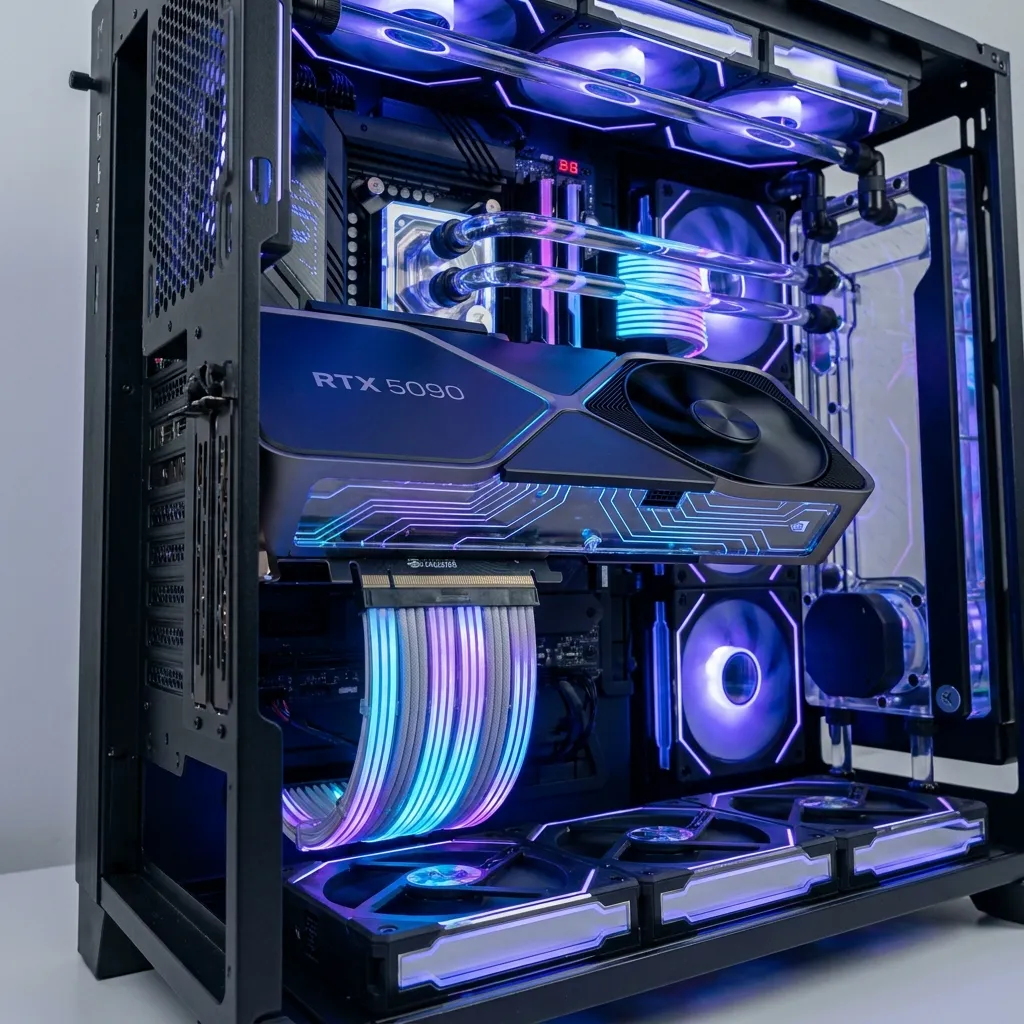
Fortunately, avoiding these disastrous RTX 5090 riser cable issues is entirely within your control. Vertical GPU mounts are incredibly popular right now, especially for small form factor (SFF) cases where traditional horizontal mounting is simply impossible. If you are going this route, you must rethink your cable management strategy from the ground up.
Read More: Google Cloud Phishing Scam: How Hackers Use Fake NYT Pages
Essential Spacing and Hardware Tips
Here is exactly what you need to do to protect your hardware:
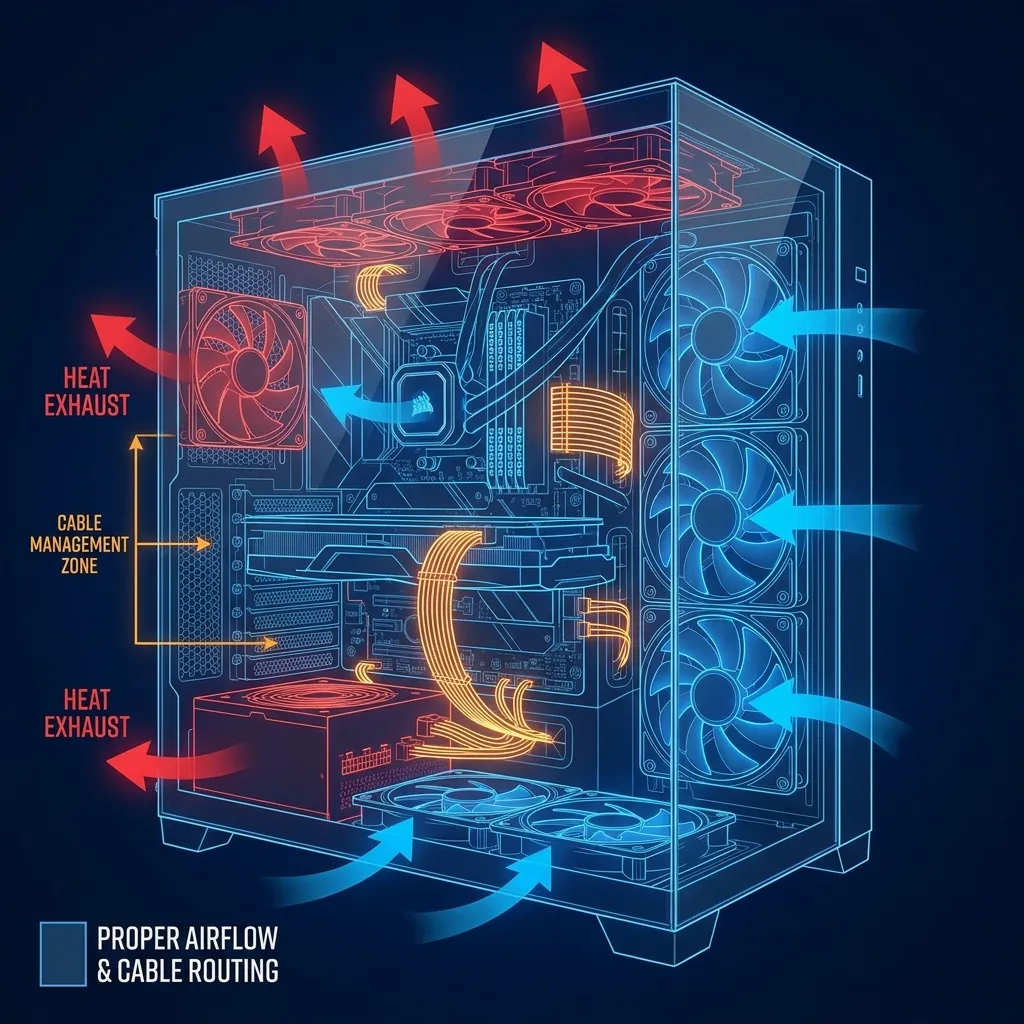
Enforce Strict Spacing: Never let your PCIe cable physically touch the backplate of your GPU. Give the components a minimum of a half-inch of breathing room so heat can dissipate naturally.
Invest in Premium Cables: Do not pair a premium flagship graphics card with a cheap, generic riser cable. Invest in high-quality, heavily shielded Gen 4 or Gen 5 cables from reputable brands known for their thermal resistance.
Route Cables Away from Exhaust Zones: Make sure your riser isn’t sitting directly in the path of the GPU’s flow-through exhaust, which aggressively pushes hot air directly out the back of the card.
Are Other GPUs at Risk?
While the current spotlight is heavily focused on Team Green’s flagship, RTX 5090 riser cable issues are merely a symptom of a broader industry trend. Modern GPUs are power-hungry beasts. High-end cards from both AMD’s Radeon lineup and the rest of Nvidia’s RTX series can easily reach thermal limits capable of damaging poorly placed plastics. Always proceed with extreme caution, double-check your clearances before you screw in the final glass panel, and prioritize airflow above all else.