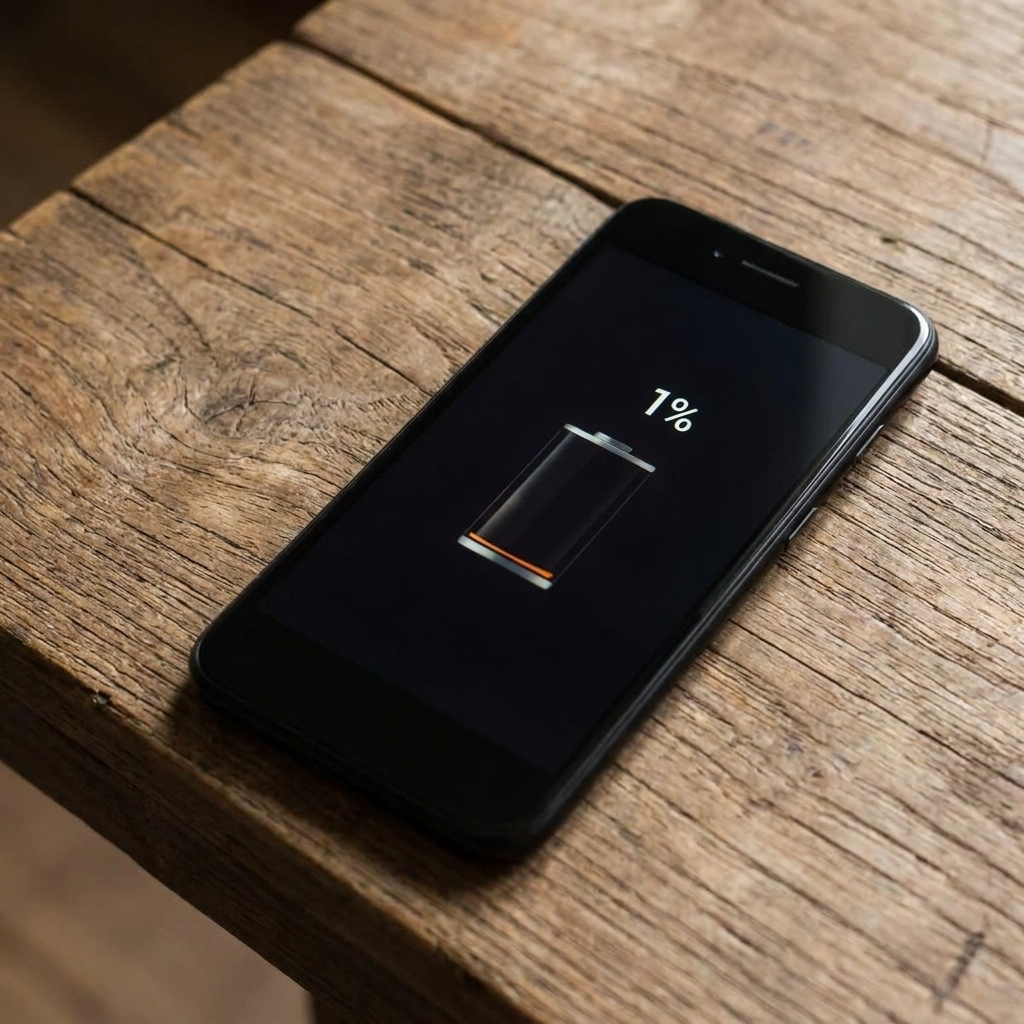


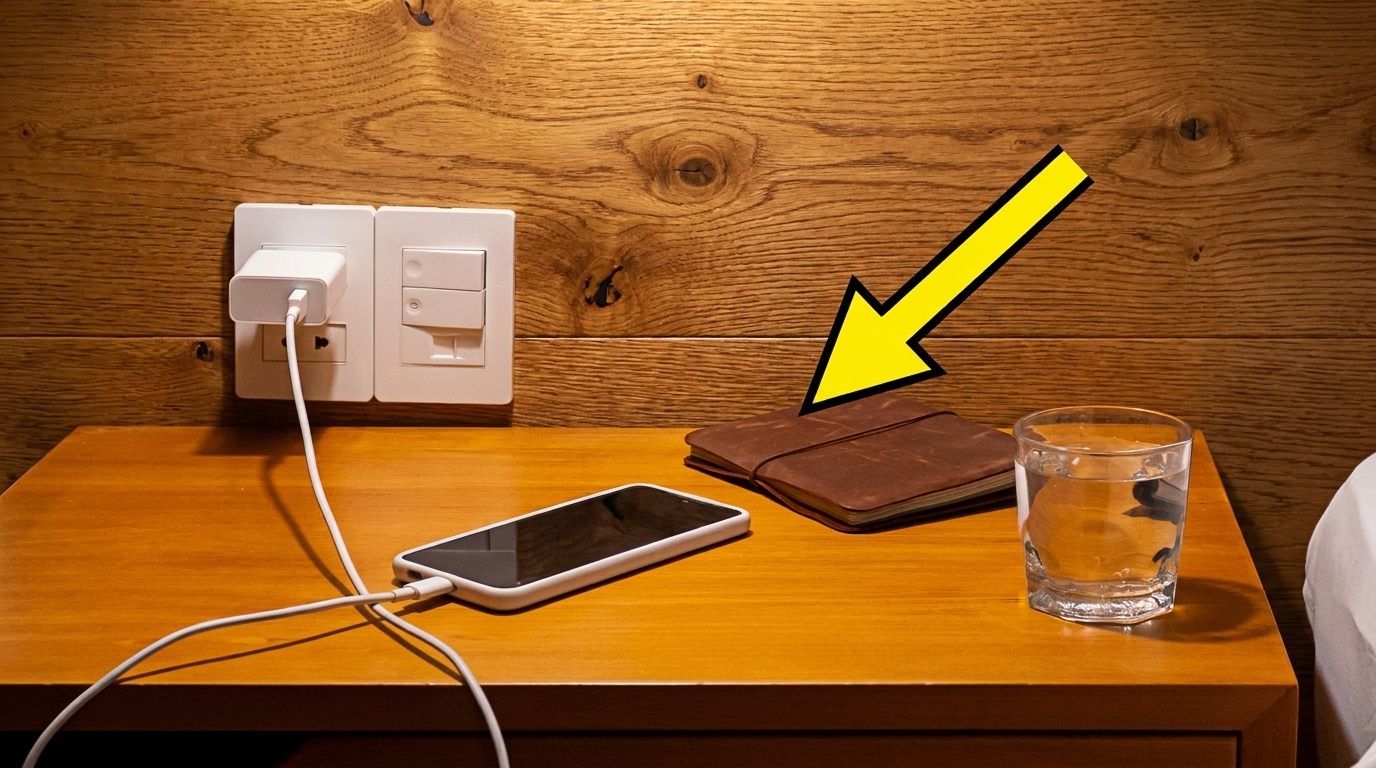
Let’s be real for a second: plugging your phone in right before your head hits the pillow is a universal nighttime ritual. Waking up to a fully juiced, 100% battery feels like the only acceptable way to start the day. But if you are constantly charging your phone to 100% overnight, you might actually be doing your beloved device a massive disservice in the long run.
You’ve probably heard the rumors that leaving your phone on the charger after it reaches full capacity slowly kills the battery. Well, according to the experts, the rumors are true. Here is exactly what is happening to your device while you sleep—and how you should actually be charging it.
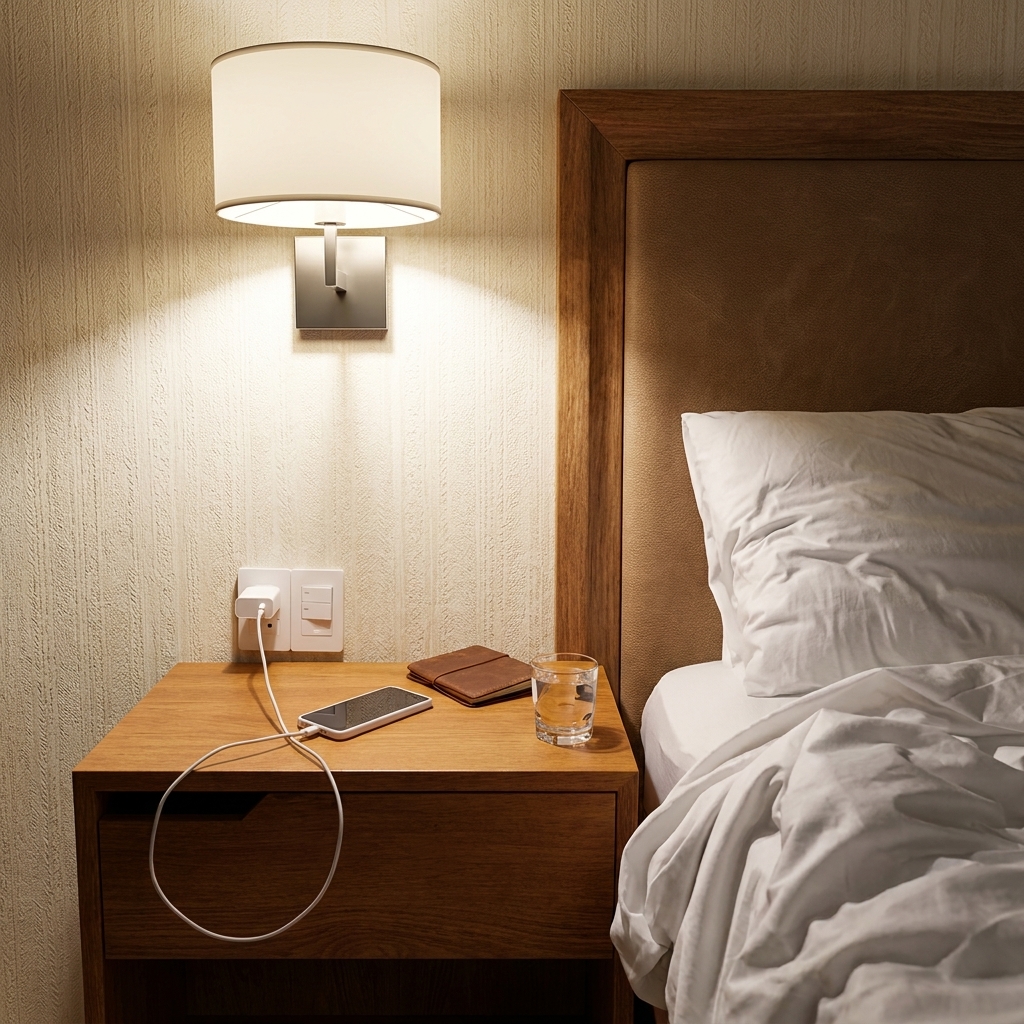
What Actually Happens When You Hit 100%?
According to Chao-Yang Wang, the director of the Electrochemical Engine Center at Penn State University, keeping your device plugged in constantly isn’t ideal. “A battery will degrade faster if you charge it to 100% versus a little bit lower state of charge,” Wang explains.
When you keep your phone plugged in after it hits full capacity, it forces the battery to stay at a high voltage. Dibakar Datta, an associate professor of mechanical and industrial engineering at New Jersey Institute of Technology, notes that this high-stress state causes “chemical aging” inside your phone.
If you make charging your phone to 100% overnight a daily habit, your battery will deteriorate roughly 10% to 15% faster over its lifespan compared to someone who unplugs at 90%. While it’s a slow burn and modern batteries are incredibly durable, that 15% drop is definitely noticeable when you’re stranded without a charger at 4 PM.
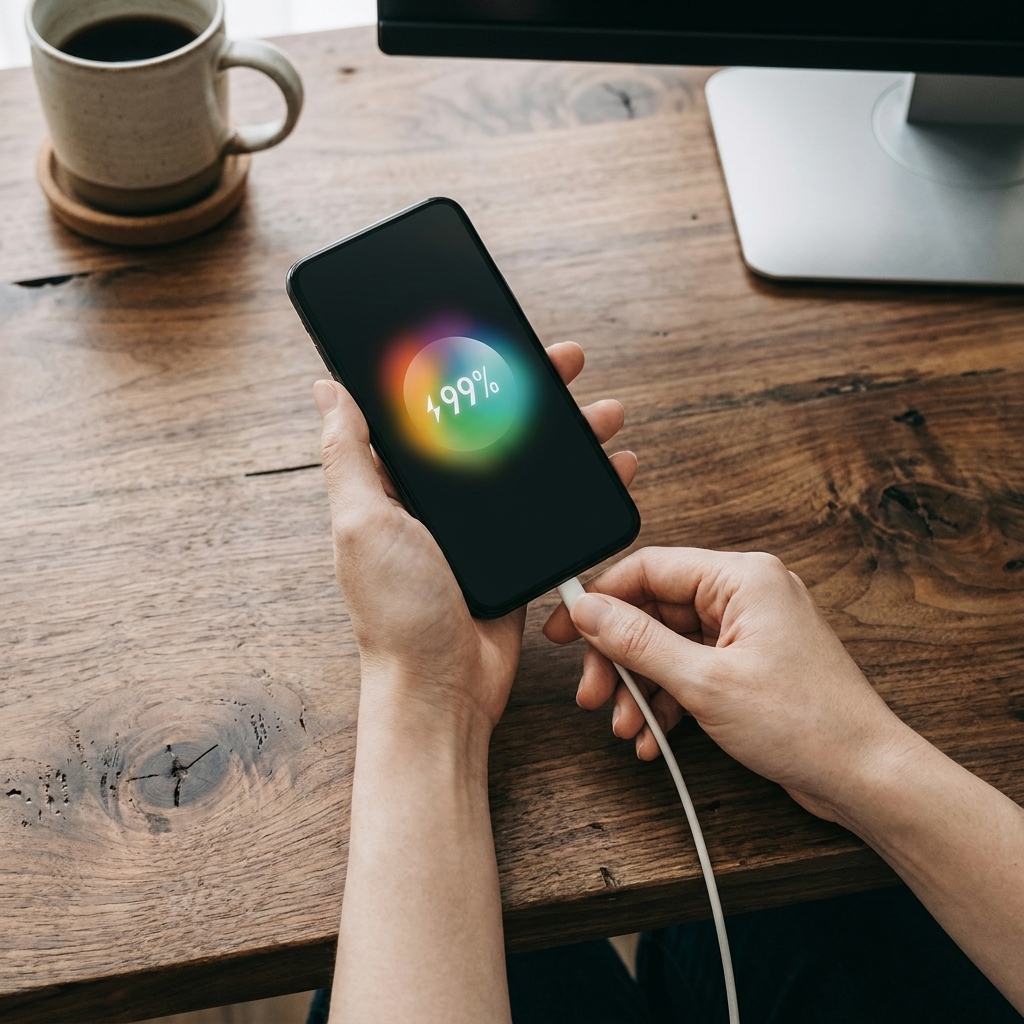
So, Should You Ever Fully Charge Your Device?
Don’t panic—you don’t need to banish the 100% battery icon from your life completely. The occasional full charge isn’t going to instantly fry your phone.
“This all depends on people’s needs and also convenience,” Wang clarifies. If you have a massive travel day ahead, are heading to a music festival, or rely on your phone for heavy GPS navigation, you absolutely should juice it up to 100%. But if you’re just working from home or lounging on the couch on a Sunday? Stopping at 85% or 90% is a simple swap that bolsters your battery’s long-term health.
Read More: 6 Surprising Original Uses for Everyday Items That Will Blow Your Mind

The 20-80 Rule: Your Battery’s Best Friend
If charging your phone to 100% overnight is a bad idea, what’s the alternative? According to Datta, you should also avoid letting your battery drop to 0%. Regularly letting your phone die completely harms its ability to hold a charge over time.
Instead, adopt the 20-80 rule. Keeping your phone’s battery life hovering between 20% and 80% is the ultimate sweet spot for long-term health. Plug it in when you hit 20%, and take it off the charger when it hits 80%.
Temperature Matters More Than You Think
Extreme weather is actually your battery’s biggest enemy. “I think that the battery is probably more afraid of too cold or too hot temperatures,” says Wang. “Damage under those extreme conditions probably is greater than charging to 100% under normal temperatures.”
If you’ve ever gotten that terrifying “iPhone needs to cool down before you can use it” notification while laying out at the beach, take it seriously. Keep your tech out of direct sunlight and strive to keep it in room-temperature environments whenever possible.
Read More: 19 Small Home Upgrades That Make a Big Difference

[Image Placement: A close up of a smartphone displaying a temperature warning icon on the screen.]
Alt Text: Smartphone screen showing a temperature warning, which damages battery life faster than charging your phone to 100% overnight.
The Hidden Danger of Fast Chargers
We all love the convenience of a fast charger when we have exactly ten minutes to get ready before an Uber arrives. But relying on them daily is a mistake.
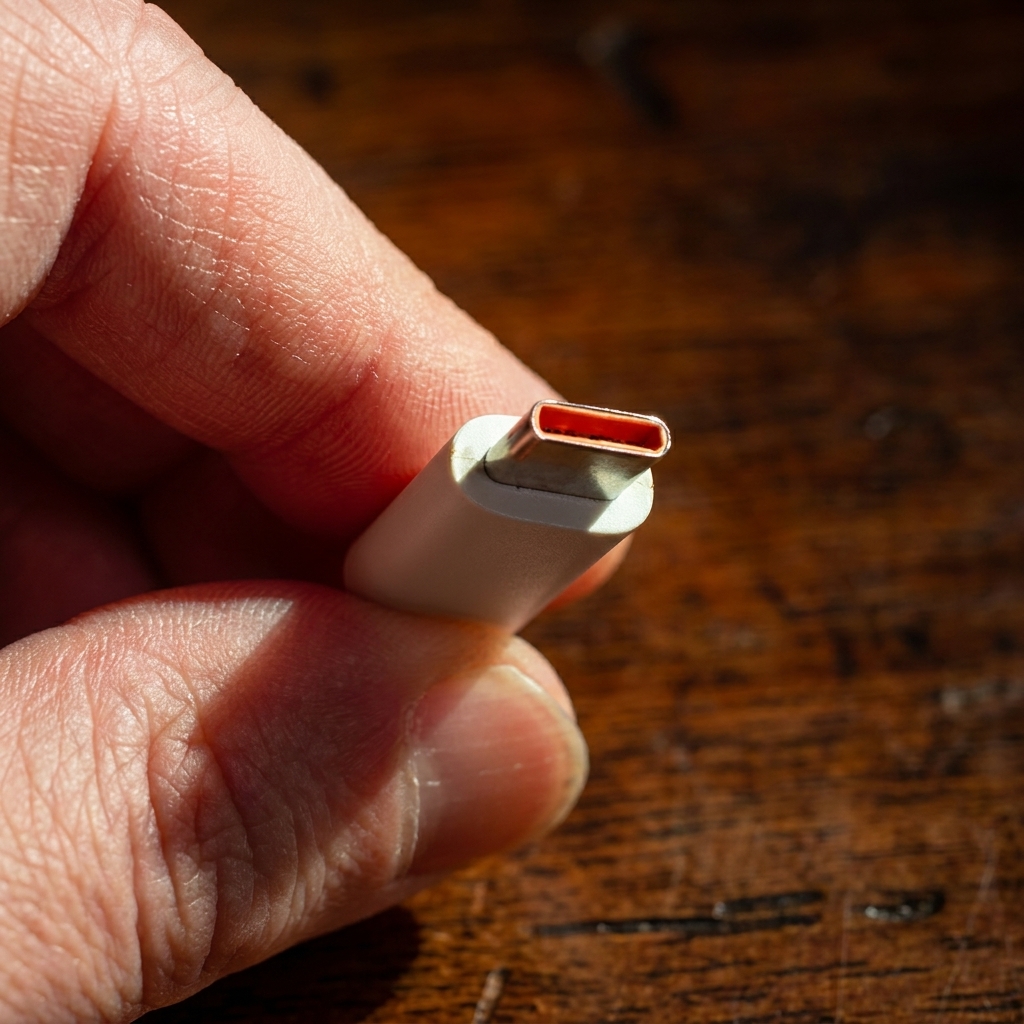
“Slow charging is more preferable,” Datta advises. Fast chargers generate excess heat inside the battery, which accelerates that dreaded chemical aging process. In extreme cases, overheated batteries can become a major safety hazard. Slow and steady really does win the race here.
How to Check Your Battery Health
Curious how much damage has already been done? Both Apple and Android devices allow you to check your battery health directly in your settings app. If your maximum capacity has dropped below 80%, Datta recommends finally biting the bullet and getting the battery replaced.
By making a few easy tweaks—like ditching the fast chargers, avoiding the heat, and quitting the habit of charging your phone to 100% overnight—you can keep your current device running smoother, for much longer.