


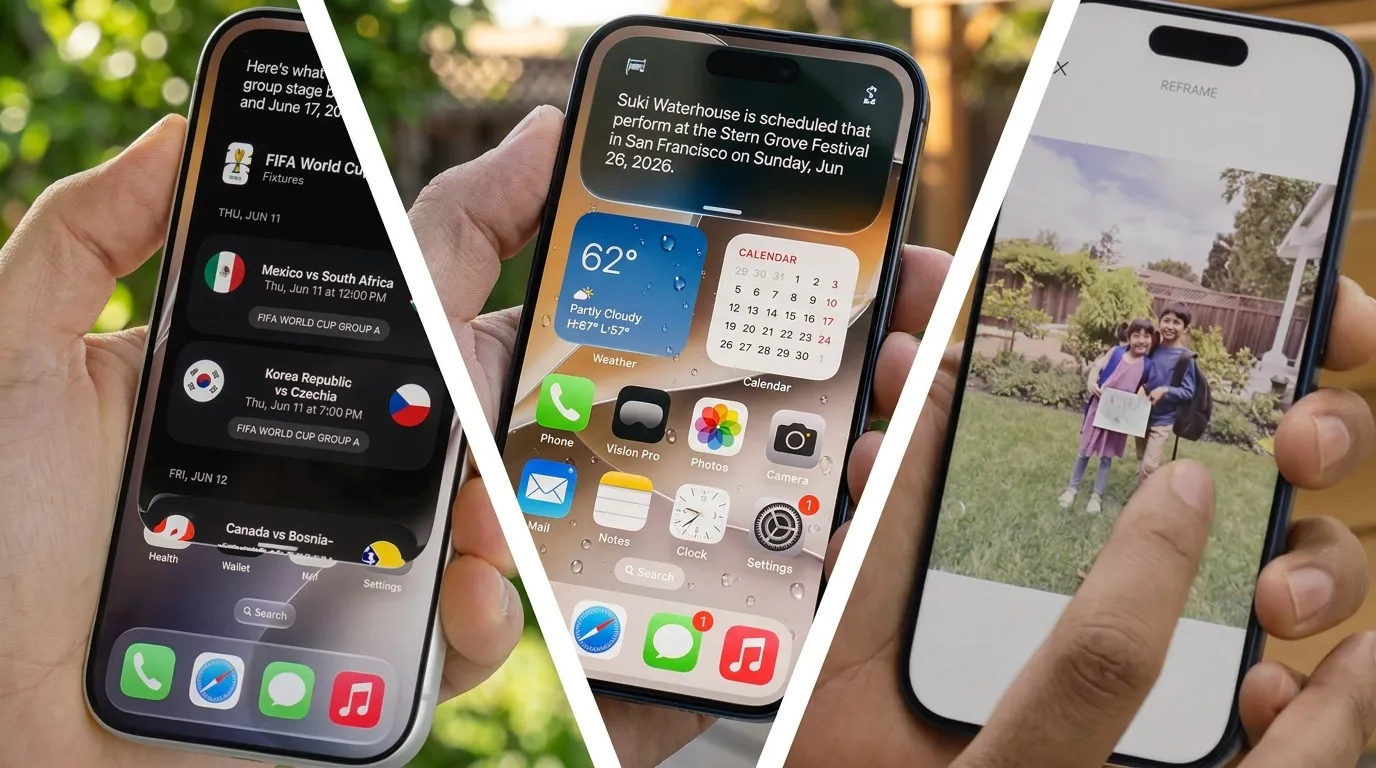
Welcome back to Elits Buzz! If you’re an Apple enthusiast, you already know that the post-WWDC 2026 season is the absolute best time of the year. Apple has officially pulled the curtain back, and the new iOS 27 features are already sending massive ripples through the tech world. From a completely overhauled AI assistant to visual tweaks we’ve all been begging for, this software update is shaping up to be a total game-changer.
While the final version won’t hit our devices until September, the developer beta is live right now, with a public beta dropping in July. Let’s dive into the seven biggest upgrades you have to look forward to!
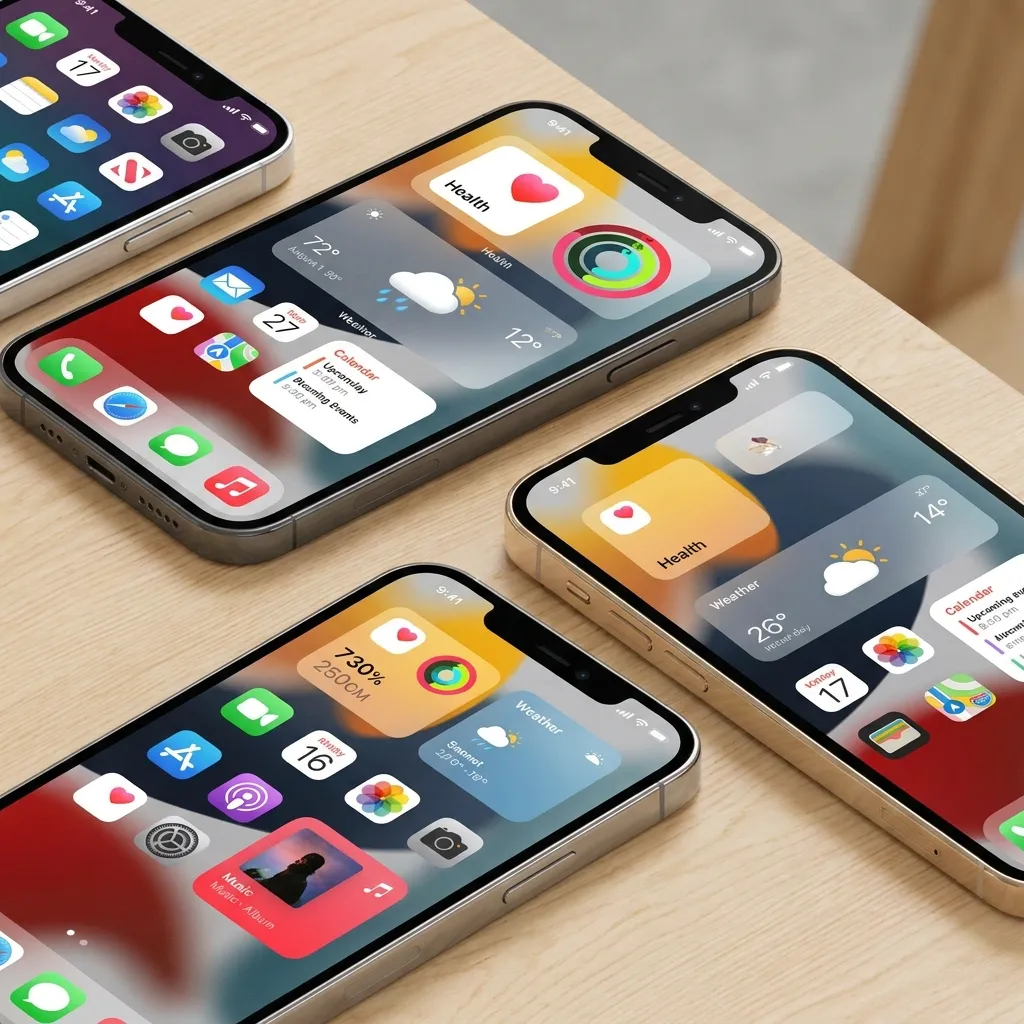
Top 7 New iOS 27 Features Changing the iPhone Experience
Apple isn’t holding back this year. With a heavy emphasis on artificial intelligence and customizable aesthetics, these updates are built to make your smartphone smarter, faster, and more intuitive to your daily life.
Read More: How Apple Intelligence Photo Tools in iOS 27 Redefine Reality
1. A Next-Generation Siri AI
Yes, the rumors were completely true! Two years after teasing a more personalized assistant, the absolute standout among the new iOS 27 features is the completely revamped Siri AI. Built on Apple’s new Foundation Models (created in partnership with Google), Siri finally understands your “personal context.”
Need to pull up a dinner recipe your friend texted you last week? Siri AI can seamlessly scan your messages, emails, and photos to find it instantly.
Dedicated Siri AI App: A brand new app allows you to revisit old interactions and sync conversations privately across your iCloud devices.
Camera Integration: A new visual search “Siri mode” in the Camera app can now instantly identify objects—like giving you the nutritional breakdown of your plate just by pointing your lens at it.
Compatibility Note: You’ll need an iPhone 15 or newer to access Siri AI. If you want the ultra-advanced dictation and expressive voices, you’ll need the latest iPhone 17 Pro or the highly anticipated iPhone Air. Sadly, due to the Digital Markets Act (DMA), Siri AI won’t be rolling out in the EU.
2. The Liquid Glass Slider
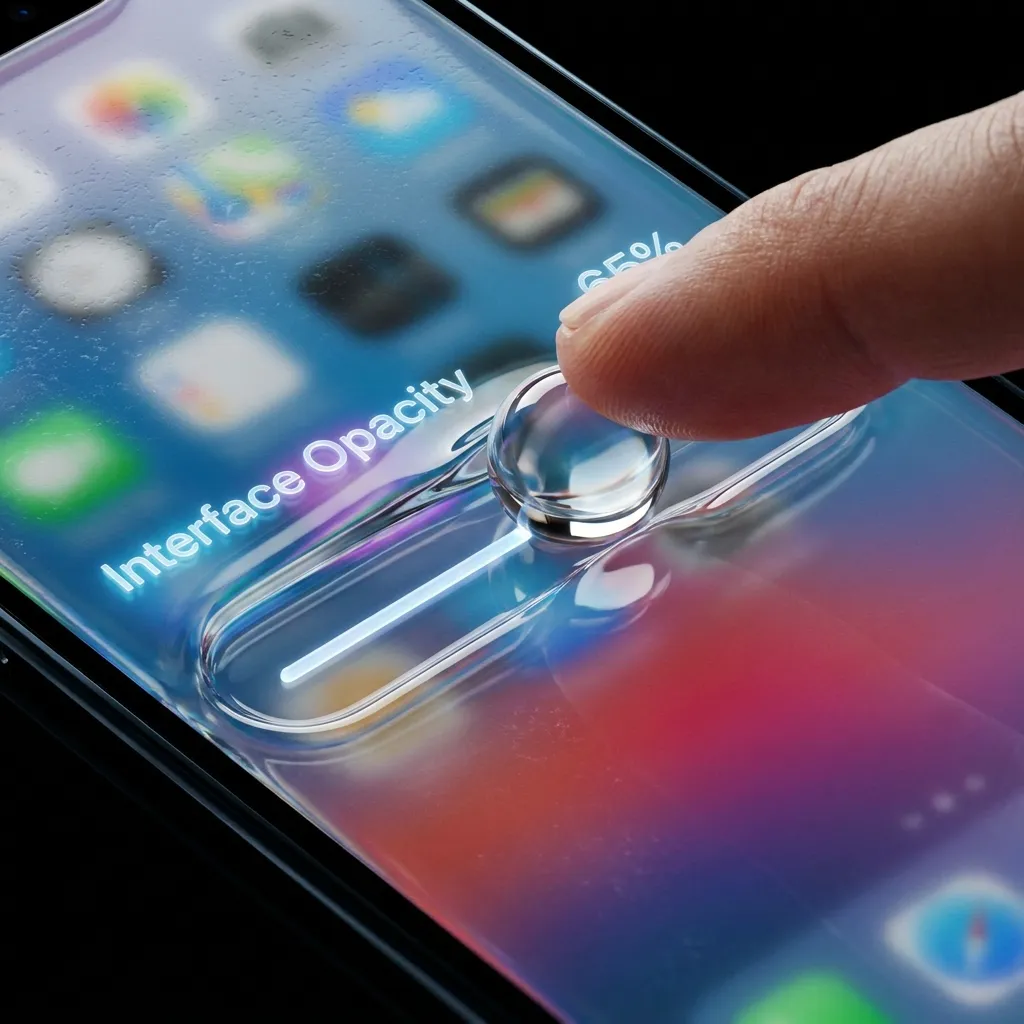
If the Liquid Glass interface in iOS 26 felt a bit too overwhelming for your eyes, Apple has listened to the critics. One of the most visually relieving new iOS 27 features is the introduction of a dedicated opacity slider.
You now have total control over the “glassy” effect across menus and tabs. You can dial it all the way up to “ultra-clear” or slide it to “fully tinted” to essentially remove the effect altogether. Plus, Apple has drastically improved the diffusion of background content, boosting text readability across the board.
3. Essential Passwords App Boosts
Digital security is always a priority, and the native Passwords app is getting some serious love. Expect smoother cross-device syncing, more intuitive sharing options with trusted family members, and a streamlined interface that makes managing your digital vault easier than ever. It’s a quiet update, but a massive win for daily convenience.
Read More: The New PopSockets Low-Pro MagSafe Grip: An Inspiring Origin Story
4. Massive Apple Photos Upgrades
Our camera rolls are expanding by the second, and navigating them can be a nightmare. The Photos app in iOS 27 introduces smarter sorting algorithms and enhanced AI-driven search capabilities. Now, you can effortlessly curate your favorite memories and find specific people or places without digging through thousands of random screenshots.
5. System-Wide Speed Improvements
Nobody likes a laggy phone. Apple has optimized the core code of iOS 27 to deliver noticeable, system-wide speed improvements. Whether you are switching between heavy applications, rendering video, or just swiping through your home screen, the fluidity of the OS is smoother and more responsive—even giving older iPhone models a fresh snap.
6. A Complete Screen Time Overhaul
Trying to cut down on your late-night doom-scrolling? The Screen Time feature has been rebuilt from the ground up. This fresh overhaul gives you more granular control over app limits, highly detailed insights into your digital habits, and significantly better tools for parents wanting to manage their children’s device usage safely.
7. Shortcuts Gets an AI Upgrade
The Shortcuts app has always been a power user’s dream, but it’s about to become accessible to everyone. By integrating directly with the new Siri AI, Shortcuts can now be generated conversationally. Just tell Siri what automation you want (e.g., “Create a shortcut that turns off my lights and plays my sleep playlist at 10 PM”), and the AI will build the complex Shortcut for you instantly.
Are You Ready for the New iOS 27 Features?
Between the massive leap forward with Siri AI and the beautiful, highly customizable Liquid Glass interface, iOS 27 is proving to be a landmark update for Apple users. Whether you’re planning to upgrade to the iPhone 17 Pro this fall or holding onto your trusty iPhone 15, there is plenty to get excited about.
Read More: How AirDrop via Quick Share on Galaxy Z Fold 8 Works Flawlessly

Let us know in the comments: Which of these new iOS 27 features are you most excited to try out this September? Keep it locked right here on Elits Buzz for more breaking tech updates, ultimate guides, and Apple news!