


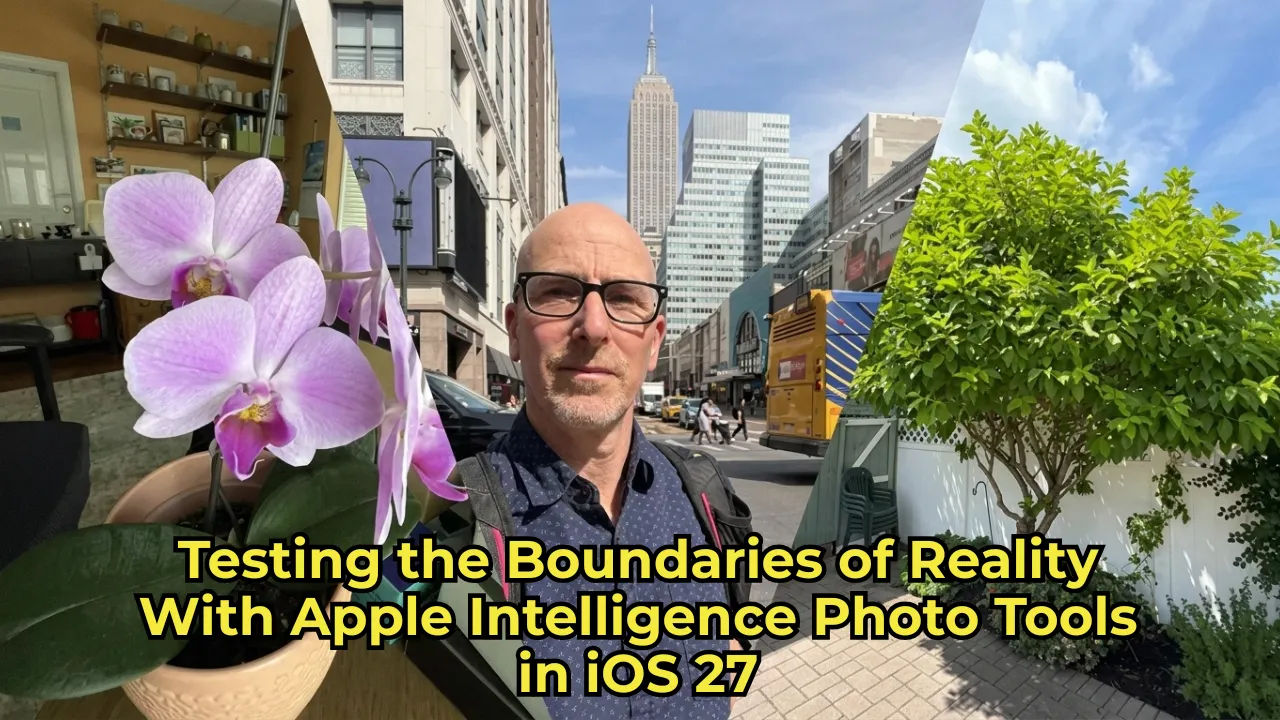
If you have been wondering how Apple Intelligence photo tools are going to reshape your camera roll, the wait is almost over. Jumping into the iOS 27 developer beta gives us a sneak peek into the future of iPhone photography—and let me tell you, it is an absolute game-changer. Between features like Spatial Reframing and the mind-bending “Extend” capability, the sheer raw power of these built-in editing features is both thrilling and slightly terrifying.
With this kind of power comes great responsibility. Apple has always prided itself on preserving photographic truth, but their new cloud-based diffusion model—developed partially alongside Google—is ready to challenge that norm. While it’s still early days, here is exactly what it feels like to use these revolutionary tools and how they might just change the way we edit our digital memories.
Unleashing the Power of Apple Intelligence Photo Tools
We are officially stepping into an era where Apple is a top-tier AI contender, matching strides with heavyweights like OpenAI and Google. While a smarter Siri and the Image Playground feature are getting plenty of hype, the real everyday magic lies hidden in the native Photos app.
Read More: 7 New iOS 27 Features Coming to Your iPhone (Siri AI & More)
Spatial Reframing and the AI Evolution
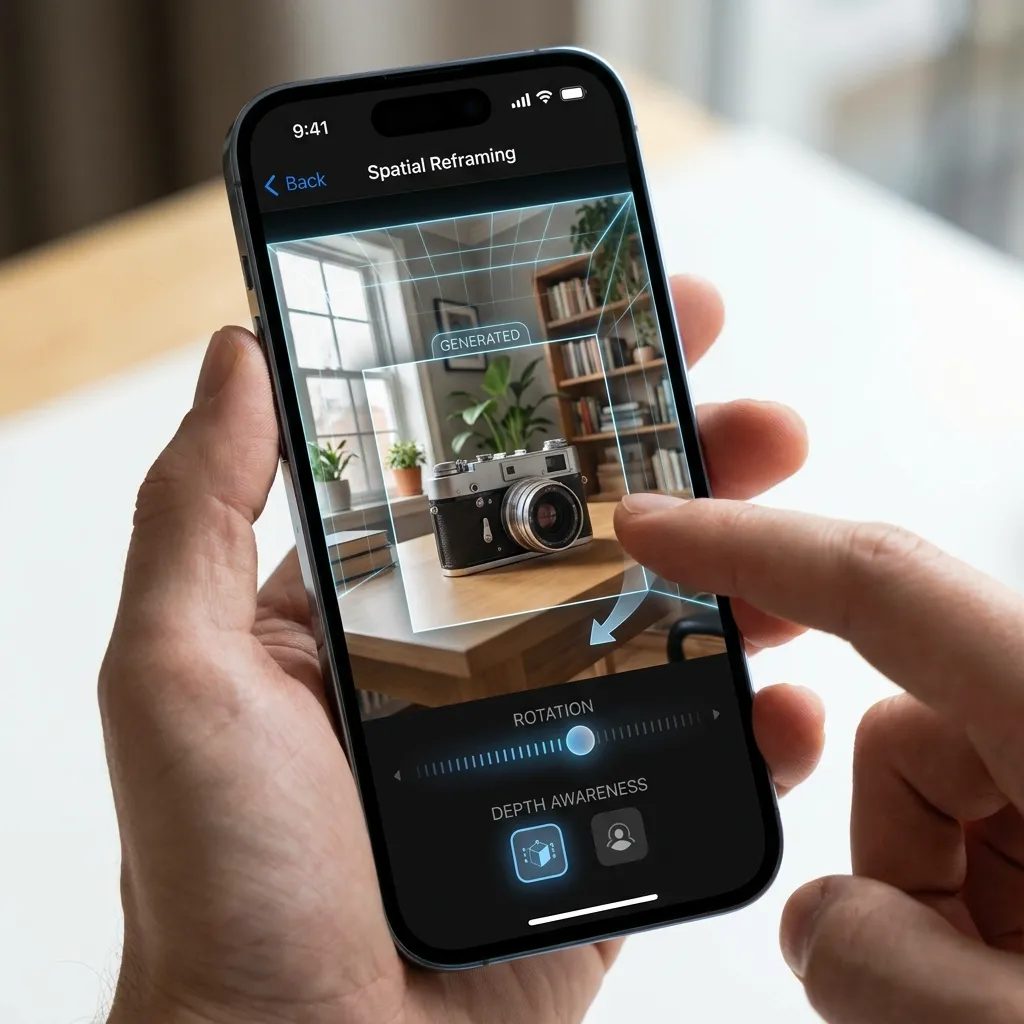
One of the most surprising features I tested was Spatial Reframing. This tool literally lets you shift the perspective of your photo subjects, uncovering elements and angles that the physical camera lens never actually captured. It is an incredible display of what Apple Intelligence photo tools can achieve, giving casual shooters the spatial editing capabilities once reserved for high-end graphic artists and visual effects pros.
Pushing the Limits: Testing the Extend Feature
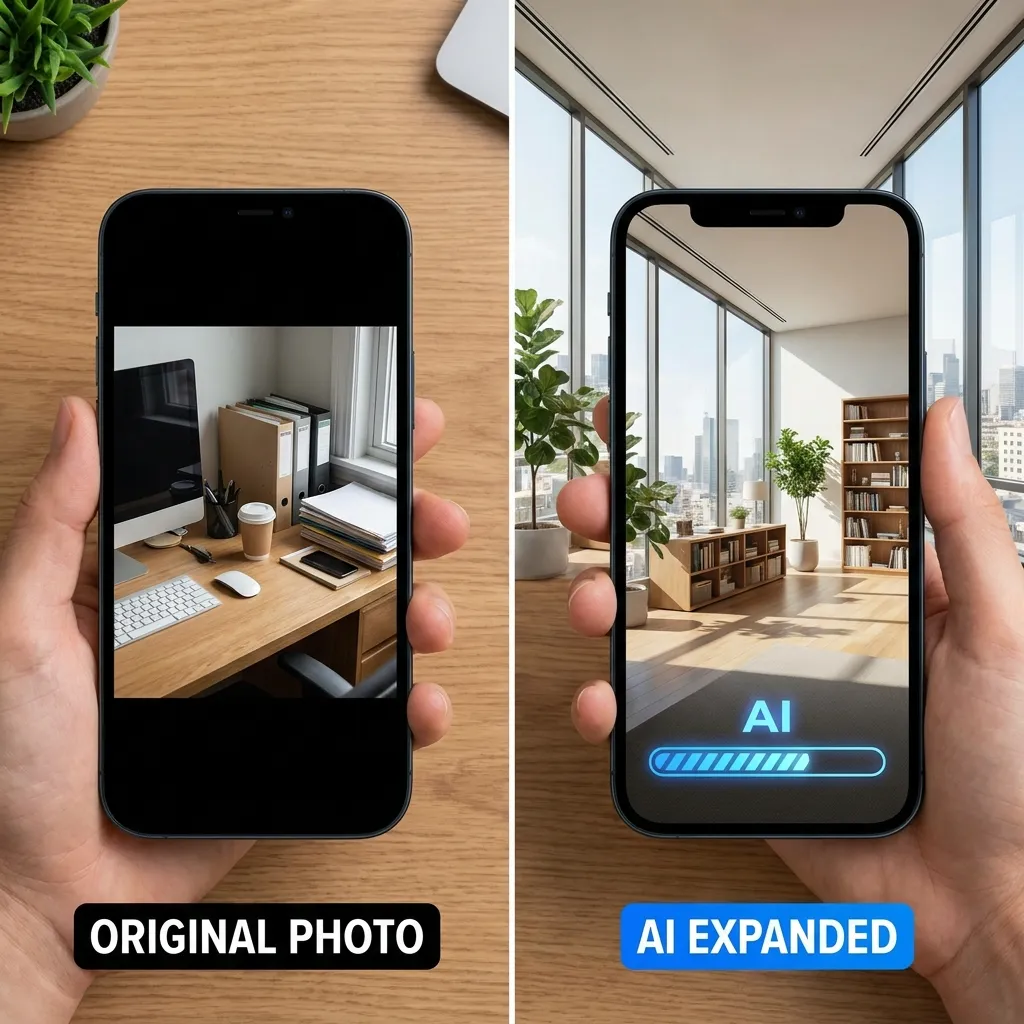
While Spatial Reframing is fascinating, I found myself completely captivated by the “Extend” tool. It doesn’t just zoom out; it actually hallucinates what should be outside the frame of your original image.
We all know the struggle of taking a gorgeous portrait-mode shot only to wish you had framed it in landscape. You want those extra bits of background, but they are lost to the cropping ether. This is where Apple’s AI steps in with a “let guesswork be your guide” philosophy.
How Apple Intelligence Photo Tools Fill in the Blanks
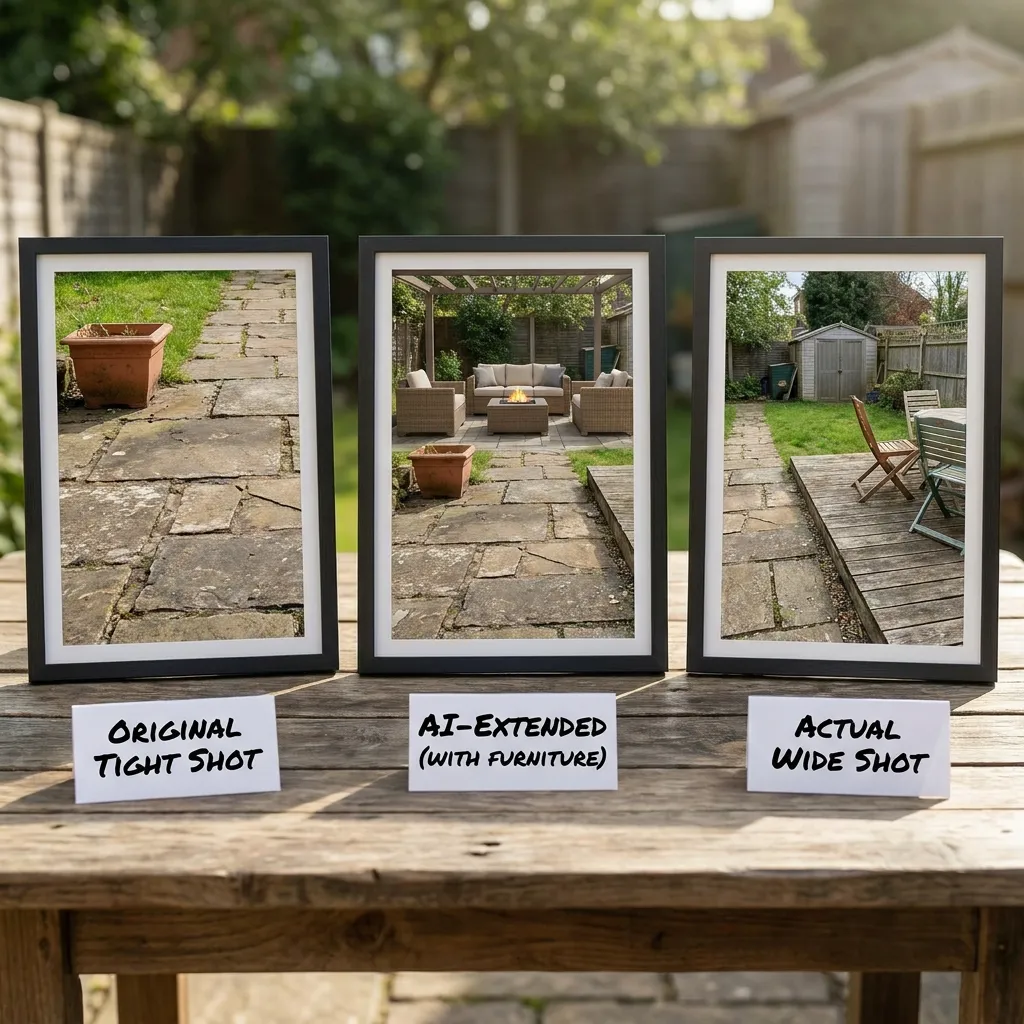
To put this generative AI to the ultimate test, I ran a simple experiment. I took two photos of the same scene: one tight, cropped shot, and one wide shot that captured the full reality of the space. Then, I applied the Extend tool to the tight shot to see how accurately the AI could recreate the real world.
The results? A mix of shockingly impressive extensions and unintentionally hilarious redesigns.
Interestingly, I discovered a built-in safety net: the current iteration of these Apple Intelligence photo tools will not extend human body parts. When I cropped my fingers out of a photo of my hand, the app flat-out refused to generate new ones. This is a massive relief for anyone terrified of the AI glitching and giving them six fingers.
Real-World Examples: When AI Gets Creative
As it turns out, Apple’s Extend tool is a bit of a neat freak. It is practically allergic to clutter. Whenever it generates new scenery, it opts for clean, minimalist, and orderly designs over organized chaos. Here is how it handled my real-world tests:
Read More: The New PopSockets Low-Pro MagSafe Grip: An Inspiring Origin Story
The Home Office Expansion
I snapped a photo of my home office, featuring a well-loved orchid I’ve nurtured for years. While the AI did a stunning job mimicking the lighting, textures, and the plant itself, it took some serious creative liberties elsewhere. It gave my closet a mysterious third door and generated a bizarre glass pane out of thin air. It respects the core subject but isn’t afraid to take wild flights of fancy on the periphery.
The Great Outdoors and Foliage
When pointed at nature, the AI flexes its muscles beautifully. The algorithm clearly understands the structure of plants and trees. An extended tree in my backyard looked flawlessly realistic, while the sky was given a highly dramatic, almost angelic glow. My garden shed, however, got an impromptu architectural redesign that I definitely didn’t ask for.
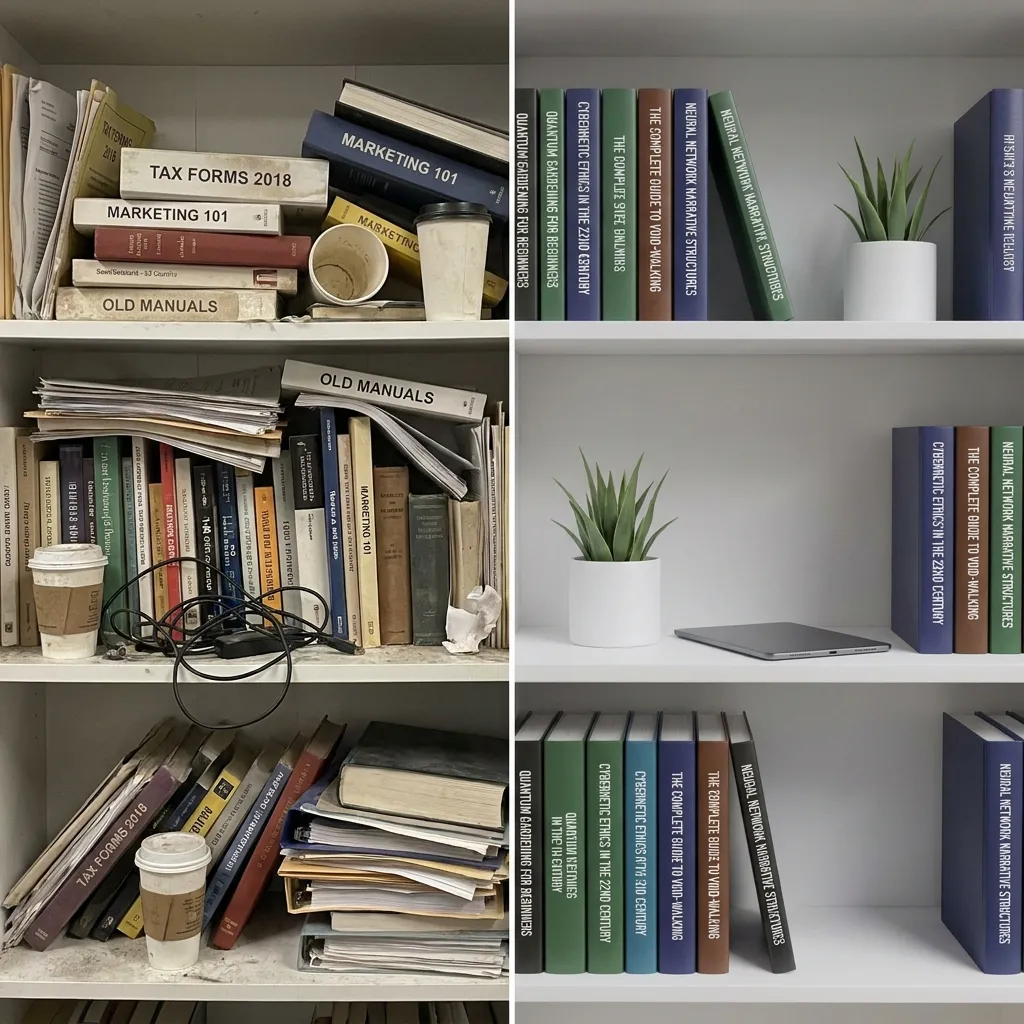
A Cleaned-Up Bookshelf
Clutter is the ultimate challenge for generative AI, so I tested the Extend feature on my messy office shelf. Rather than recreating my busy layout, the AI chose a sleek, minimalist aesthetic. The funniest part? It transformed a model of the USS Enterprise into something resembling a commercial jetliner and completely hallucinated new titles for my books.
The Future of Apple Intelligence Photo Tools
It is incredible to see how well these features perform in a developer beta stage. With time left to refine the software before a wide public launch, the Apple Intelligence photo tools are only going to get sharper and more accurate.
Most everyday users probably won’t push the Extend tool to these extremes. They will likely use it to subtly re-center a subject, add a bit of breathing room to a sunset shot, or widen a group photo without distorting the people in it. Still, the underlying power is undeniable.
Are you ready to let AI fill in the blanks of your memories? The lines between photographic truth and digital art are blurring faster than ever.
What are your thoughts on this new era of AI photography? Let us know how you plan to use these features in the comments!